Micropython in esp32 part1: install firmware
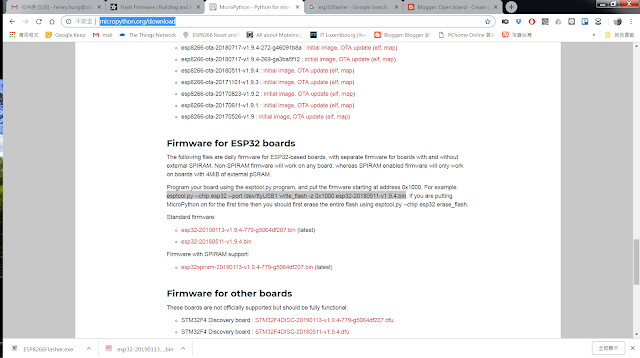
The first trick is to install micropython firmware to esp32 in windows. you can find firmware for esp32 from here: http://micropython.org/download make sure you down load the right one, I down loaded the non spiram version, the standard one. Then, it comes to how to write firmware to board under windows. I have python 2.7 on my PC, so install esptool through pip seems easy. pip install esptool Then in the folder you put the downloaded firmware, esptool.exe --chip esp32 --port COM26 write_flash -z 0x1000 esp32-20190113-v1.9.4.bin the it would do the trick...